How to Edit Wedding Reels for Instagram (2026 Playbook)
The Instagram-first wedding reel playbook — hook, pacing, music licensing, captions, and the one export setting that wins Reels, TikTok, and YouTube Shorts in a single file.
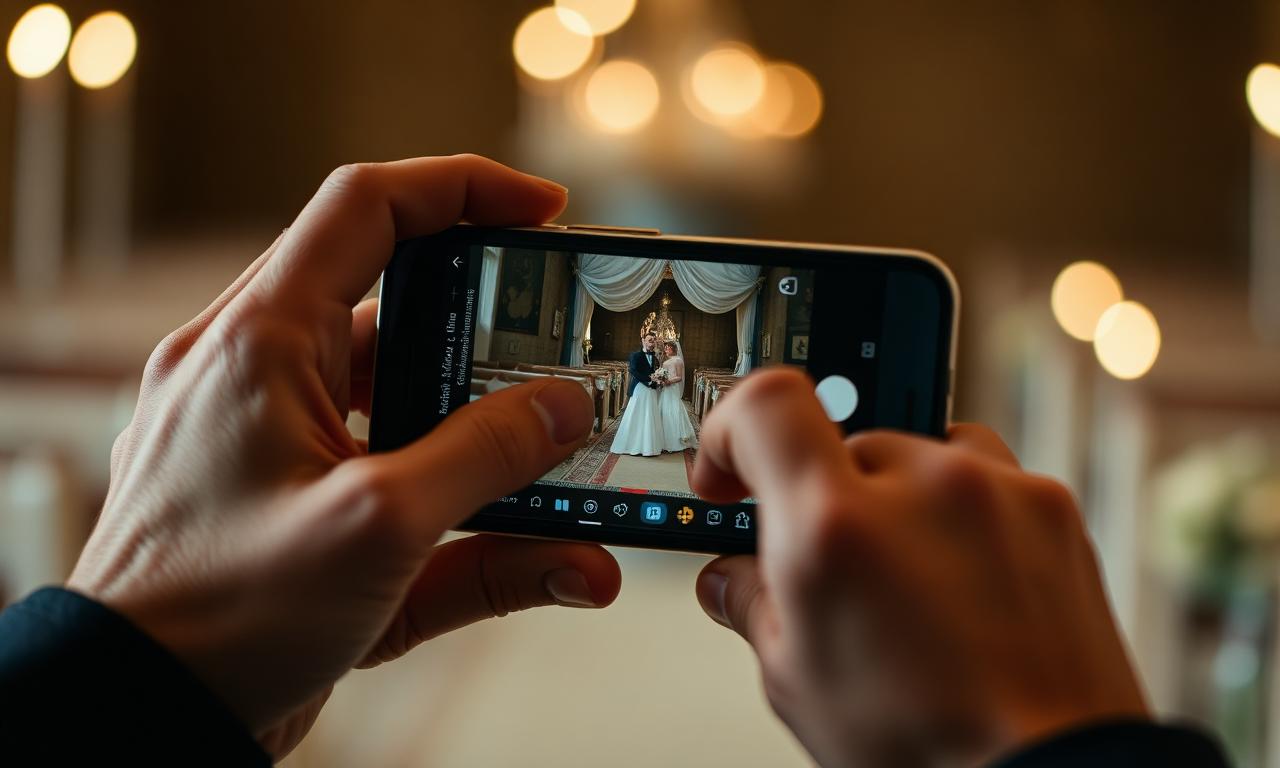
The Instagram Reel is the single highest-leverage wedding deliverable in 2026. Done well, it earns the couple thousands of plays, gets the venue tagged, lands the planner a referral, and books your next two weddings. Done poorly, it disappears. This is how Aisle creators edit a Reel that performs.
Quick answer
- 60–90s is the optimal length. Anything longer drops completion rate.
- Open with audio, not visuals. The hook is a feeling, not a frame.
- 30–45 cuts per minute. Slower feels sluggish, faster feels frantic.
- Always license your music. Spotify is not a license.
- Burn captions for any spoken line. 85% of plays are sound-off.
- Export one 1080×1920 H.264 file; it serves Reels, TikTok, and Shorts.
The 3-second hook
Instagram decides whether to keep playing your Reel in the first three seconds. Lead with the strongest emotional moment of the day — a vow line, the bride's first-look gasp, the groom's tears. Visual over black + audio first is the highest-converting open. Save the date title for the last frame, never the first.
Cut audio-first (the radio cut)
Drop your mic'd audio — vows, toasts, first dance — on the timeline before any visual. Trim down to the spine. Then place visuals against the words. This is the same Stage 2 in The Aisle Edit System™. Audio drives emotion; visuals decorate.
Pacing & cut frequency
| Reel length | Cuts | Avg clip | Use |
|---|---|---|---|
| 15s teaser | 10–15 | 1.0–1.5s | First-week post |
| 60s same-day | 30–45 | 1.3–1.5s | Hero deliverable |
| 90s polished | 45–60 | 1.5–2.0s | Anniversary cut |
| 3-min highlight | 80–120 | 1.5–2.2s | Wedding film add-on |
Music & licensing
Pick the track before the cut. Match the BPM to your intended pace, side-chain duck under speech by −9 dB, and add sub-bass hits on the kiss, the entrance, and the last frame. Catalogs Aisle creators trust: Musicbed (cinematic), Artlist (broadest range), Soundstripe (volume), Epidemic Sound (social creator focus), Marmoset (boutique). Use the Music License Picker to match catalog to use case.
Captions & on-screen type
85% of Instagram and TikTok plays are sound-off by default. Burn captions for any spoken hero line. Use your house typeface, keep captions inside the 20% safe-area (away from IG's bottom UI), and never cover the couple's faces. One lower-third per reel — names + date + venue — placed in the close, not the open.
Export settings (the one file that wins)
- Resolution: 1080 × 1920 (9:16)
- Codec: H.264, High profile
- Bitrate: 12 Mbps target, 16 Mbps max
- Frame rate: 30 fps (60 fps source for slow-mo)
- Audio: AAC, 192 kbps, 48 kHz
- Color: Rec.709, 8-bit
One file. Three destinations: IG Reels, TikTok, YouTube Shorts. No re-export, no recompression.
Posting & cross-share
- Deliver the IG-ready file directly to the couple in the email — they post first.
- 24 hours later, post to your creator account.
- Tag couple, venue, planner, florist, photographer, DJ. Every tag = backlink + reshare.
- Cross-post the same file to TikTok and YouTube Shorts within the same week.
- Pin the reel to the top of your IG profile for 7 days.
Delivered before the last dance.
Aisle is the delivery platform built for wedding content creators — a storefront, same-day reel delivery, and a vendor referral loop, in one system.
Frequently asked questions
How long should a wedding reel be on Instagram?
60–90 seconds for the same-day deliverable. 15–30 seconds for a teaser. Reels over 90 seconds see significant completion-rate drops on Instagram and TikTok.
What's the ideal export setting for an Instagram wedding reel?
1080×1920 (9:16), H.264, 12 Mbps bitrate, 30 fps, AAC audio at 192 kbps. These settings hit Instagram Reels, TikTok, and YouTube Shorts without recompression artifacts.
Can I use a popular song from Spotify in a client wedding reel?
No. Spotify, Apple Music, and YouTube Music do not grant commercial licenses. For client delivery, license a track from Musicbed, Artlist, Soundstripe, Epidemic Sound, or Marmoset.
Should I add captions to a wedding reel?
Yes for vows, toasts, and any spoken hero line. 85% of Instagram and TikTok views happen with sound off. Captions also boost completion rate and AI accessibility surfacing.
How many cuts should a 60-second wedding reel have?
30–45 cuts is the sweet spot — roughly 1.3–1.5 seconds per clip. Faster than 1s feels frantic; slower than 2s feels sluggish on the feed.
What's the best app to edit wedding reels for Instagram?
CapCut Pro for vertical-first speed, Adobe Premiere Pro for client-grade delivery, DaVinci Resolve for color-heavy work. CapCut is the fastest path to a same-day reel.
Questions, answered.
- How long should a wedding reel be on Instagram?
- 60–90 seconds for the same-day deliverable. 15–30 seconds for a teaser. Reels over 90 seconds see significant completion-rate drops on Instagram and TikTok.
- What's the ideal export setting for an Instagram wedding reel?
- 1080×1920 (9:16), H.264, 12 Mbps bitrate, 30 fps, AAC audio at 192 kbps. These settings hit Instagram Reels, TikTok, and YouTube Shorts without recompression artifacts.
- Can I use a popular song from Spotify in a client wedding reel?
- No. Spotify, Apple Music, and YouTube Music do not grant commercial licenses. For client delivery, license a track from Musicbed, Artlist, Soundstripe, Epidemic Sound, or Marmoset.
- Should I add captions to a wedding reel?
- Yes for vows, toasts, and any spoken hero line. 85% of Instagram and TikTok views happen with sound off. Captions also boost completion rate and AI accessibility surfacing.
- How many cuts should a 60-second wedding reel have?
- 30–45 cuts is the sweet spot — roughly 1.3–1.5 seconds per clip. Faster than 1s feels frantic; slower than 2s feels sluggish on the feed.
- What's the best app to edit wedding reels for Instagram?
- CapCut Pro for vertical-first speed, Adobe Premiere Pro for client-grade delivery, DaVinci Resolve for color-heavy work. CapCut is the fastest path to a same-day reel.
Delivered before the last dance.
Aisle is the delivery platform built for wedding content creators — a storefront, same-day reel delivery, and a vendor referral loop, in one system.
Get the Aisle Creator Brief.
The weekly newsletter for wedding content creators — pricing benchmarks, day-of workflows, and the tactics that book out studios. Free.
One email a week. Unsubscribe in a click.
More from the Knowledge Library.
What Is a Wedding Content Creator? The 2026 Definitive Guide
Wedding content creators capture vertical, social-ready footage and deliver it same-day. Here's what they do, what they cost, and how they fit alongside your photographer and videographer.

How to Start a Wedding Content Creator Business (2026 Playbook)
The complete operating plan — positioning, pricing, packaging, gear, contracts, delivery workflow, and the first 90 days of bookings — for launching a profitable wedding content creator business.

Wedding Content Creator Pricing Guide: The 2026 Profit Playbook
The complete pricing system for wedding content creators — The Aisle Pricing Engine™, profit math, package architecture, regional rates, raise-rate triggers, and the contract clauses that protect your margin.

Is a Wedding Content Creator Worth It? An Honest Breakdown
When the spend pays off, when it doesn't, and the four questions to ask before adding a content creator to your wedding lineup.