Wedding Content Creator Editing Guide (The Aisle Edit System™)
The five-stage editing system — Story · Sequence · Sound · Style · Ship — that lets working wedding content creators export a same-day reel in 90 minutes without sacrificing taste.
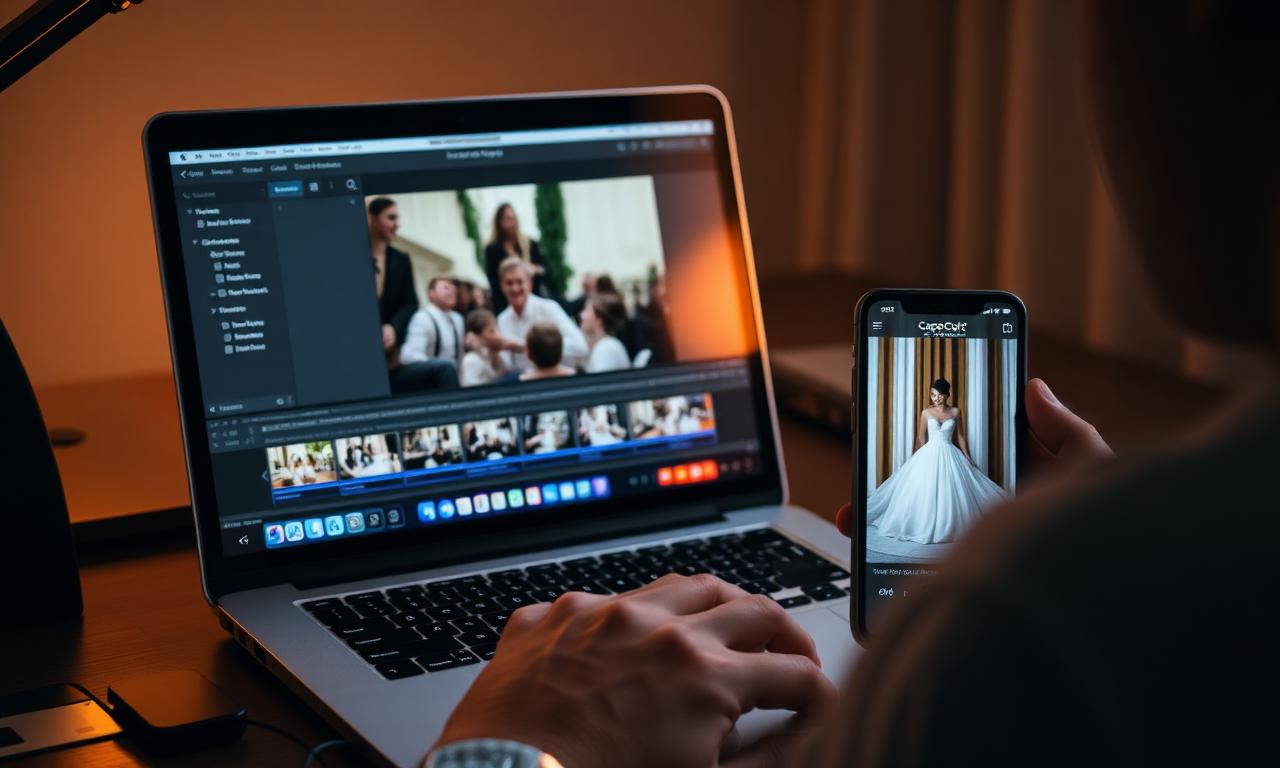
Editing is where most wedding content creators lose the timeline, burn margin, and ship reels that look like everyone else's. This guide is the editing system Aisle studios run on every wedding — the same one we built The Aisle Edit System™ around. Read it once, then run it every time.
Quick answer
- Story locks first — one sentence, three beats. Everything else laddered to it.
- Edit audio-driven, not visual-driven. The mic'd audio dictates the cut.
- Use a house LUT. Re-color only the broken scenes.
- Ship at 1080×1920, H.264, 12 Mbps, 30 fps. One file, two destinations.
- Target 90 minutes for a same-day 60–90s reel.
- Music must be licensed. Spotify is not a license.
The Aisle Edit System™ — the five stages
Every wedding reel passes through five stages, in this exact order. Skip one and you'll feel it in the final cut.
| Stage | Output | Time |
|---|---|---|
| 1 · Story | One-sentence spine + three beats | 10 min |
| 2 · Sequence | Radio cut — audio-locked assembly | 25 min |
| 3 · Sound | Music bed + ducking + hits | 20 min |
| 4 · Style | Color, type, transitions | 20 min |
| 5 · Ship | Export + deliver + archive | 15 min |
1 · Story — pick the spine
Open the day's clip log. Circle the Signature 7 takes. Then write the reel's one-sentence story — what is this couple's wedding actually about? "Two people kept choosing each other, out loud." "She walked in laughing, he cried." Choose three emotional beats: open · peak · close. Reject every clip that doesn't ladder to one of them.
2 · Sequence — assemble the radio cut
Drop the seven hero clips in chronological order on the timeline. Layer the mic'd audio — vows, toasts, first dance — underneath. Cut to the words, not the visuals. The audio drives the edit. Lock the radio cut before touching b-roll. This is the discipline that separates a wedding reel from a vacation montage.
3 · Sound — bed, duck, hit
Pick a licensed track that matches the BPM of the dance floor. Side-chain duck the music under every spoken line by −9 dB. Add a sub-bass hit on the first kiss, the grand entrance, and the last frame. Listen on phone speakers — that's where 80% of your reel's plays happen.
4 · Style — color, type, polish
Apply your house LUT. Add one lower-third (date · names · venue) in your house typeface. Use a maximum of one cinematic transition style per reel — whip or match or dip, not all three. Stabilize, denoise gimbal jitter, fix exposure pops, move on.
5 · Ship — export, deliver, recover
Export 1080×1920, H.264, 12 Mbps, 30 fps. Deliver via your branded Aisle gallery and send a direct IG-ready file in the same email. Trigger the post-delivery automation — review request + photographer share + referral ask. Archive the project bin to SSD A, SSD B, and cloud cold storage. Done.
The 60-second reel formula
| Beat | Time | What plays |
|---|---|---|
| Hook | 0:00–0:03 | First-look reaction or vow audio over black |
| Build | 0:03–0:20 | Getting-ready + aisle walk montage |
| Peak | 0:20–0:35 | First kiss + grand entrance |
| Drop | 0:35–0:50 | First dance + dance floor |
| Close | 0:50–1:00 | Send-off + name title + date |
Edit-time benchmarks
Charge by deliverable, not by hour. These are the times pro Aisle editors hit consistently — use them to price add-ons in the Pricing Calculator or estimate any deliverable in the Reel Edit Estimator.
| Deliverable | Pro edit time | Typical add-on price |
|---|---|---|
| Same-day 60s reel | 90 min | included |
| Next-morning 90s reel | 2 hr | $200–$300 |
| 15s teaser | 25 min | $75–$150 |
| 3-reel social pack | 4 hr | $450–$650 |
| 3-min highlight | 6–8 hr | $600–$1,200 |
Software, LUTs & music
- Editor: CapCut Pro (vertical-first), Adobe Premiere Pro (highlight films), DaVinci Resolve (color-heavy).
- LUTs: Build a house LUT once; apply on every wedding. Re-grade only on tricky scenes.
- Music license: Musicbed, Artlist, Soundstripe, Epidemic Sound, Marmoset. $200–$300/year. Never use Spotify for delivery.
- Backup: SSD A + SSD B + cloud cold storage. Never one drive, never one location.
7 mistakes that cost you time
- Cutting to visuals before locking the radio cut.
- Color-grading every scene from scratch instead of using a house LUT.
- Three transition styles in one reel (looks amateur).
- Music chosen after the cut instead of before (forces re-edit to BPM).
- Title cards over the first kiss (breaks the emotional peak).
- Exporting at 1080p H.265 (Instagram re-compresses badly).
- Shipping without an SSD-A/SSD-B/cloud triple-archive.
Delivered before the last dance.
Aisle is the delivery platform built for wedding content creators — a storefront, same-day reel delivery, and a vendor referral loop, in one system.
Frequently asked questions
How long should it take to edit a wedding reel?
A 60–90 second same-day wedding reel should take a pro editor 90 minutes from radio cut to export. A next-morning 90s reel takes around 2 hours. A full 3-minute highlight takes 6–8 hours. The Aisle Edit System™ paces these benchmarks across five stages.
What software do wedding content creators use to edit?
CapCut Pro and Adobe Premiere Pro dominate. CapCut is faster for vertical social cuts; Premiere is the standard for client-deliverable highlight films. DaVinci Resolve is the third option for creators who color-grade heavily. All three handle 4K vertical at 30/60 fps without issue.
How do I edit a wedding reel in CapCut?
Import your clips, drop the Signature 7 in chronological order, lay the mic'd audio underneath, cut to the words, then add b-roll over the audio. Apply a warm LUT, add a single lower-third, side-chain music under speech by −9 dB, export at 1080×1920 H.264 12 Mbps. That mirrors The Aisle Edit System™ stages 2–5.
What music can I legally use in a wedding reel I deliver to a client?
Licensed catalogs only — Musicbed, Artlist, Soundstripe, Epidemic Sound, or Marmoset. A personal Spotify track is never licensed for client delivery. Most catalogs cost $200–$300/year for unlimited client use and cover Instagram, TikTok, YouTube, and personal websites.
Should I color grade with a LUT or grade from scratch?
Build a house LUT once, then grade from scratch only on tricky scenes (mixed-temperature reception lighting, harsh midday sun). A house LUT keeps your reels visually consistent across weddings and cuts color grading time by 60–70%.
What aspect ratio and export settings should I use?
9:16 vertical, 1080×1920, H.264, 12 Mbps, 30 fps (60 fps for slow-mo source). These settings hit Instagram Reels, TikTok, and YouTube Shorts cleanly without re-compression artifacts.
How do I cut a same-day reel without missing the timeline?
Start editing during cocktail hour. Lock your radio cut (audio-driven assembly) before the reception ends. Save b-roll, color, and titles for after the send-off. The Aisle Wedding Workflow™ schedules every edit beat against the ceremony clock.
How much should I charge for additional edited reels?
$150–$450 per extra reel depending on length and turnaround. Use The Aisle Pricing Calculator to anchor add-on pricing against your base package rate.
Questions, answered.
- How long should it take to edit a wedding reel?
- A 60–90 second same-day wedding reel should take a pro editor 90 minutes from radio cut to export. A next-morning 90s reel takes around 2 hours. A full 3-minute highlight takes 6–8 hours. The Aisle Edit System™ paces these benchmarks across five stages.
- What software do wedding content creators use to edit?
- CapCut Pro and Adobe Premiere Pro dominate. CapCut is faster for vertical social cuts; Premiere is the standard for client-deliverable highlight films. DaVinci Resolve is the third option for creators who color-grade heavily. All three handle 4K vertical at 30/60 fps without issue.
- How do I edit a wedding reel in CapCut?
- Import your clips, drop the Signature 7 in chronological order, lay the mic'd audio underneath, cut to the words, then add b-roll over the audio. Apply a warm LUT, add a single lower-third, side-chain music under speech by −9 dB, export at 1080×1920 H.264 12 Mbps. That mirrors The Aisle Edit System™ stages 2–5.
- What music can I legally use in a wedding reel I deliver to a client?
- Licensed catalogs only — Musicbed, Artlist, Soundstripe, Epidemic Sound, or Marmoset. A personal Spotify track is never licensed for client delivery. Most catalogs cost $200–$300/year for unlimited client use and cover Instagram, TikTok, YouTube, and personal websites.
- Should I color grade with a LUT or grade from scratch?
- Build a house LUT once, then grade from scratch only on tricky scenes (mixed-temperature reception lighting, harsh midday sun). A house LUT keeps your reels visually consistent across weddings and cuts color grading time by 60–70%.
- What aspect ratio and export settings should I use?
- 9:16 vertical, 1080×1920, H.264, 12 Mbps, 30 fps (60 fps for slow-mo source). These settings hit Instagram Reels, TikTok, and YouTube Shorts cleanly without re-compression artifacts.
- How do I cut a same-day reel without missing the timeline?
- Start editing during cocktail hour. Lock your radio cut (audio-driven assembly) before the reception ends. Save b-roll, color, and titles for after the send-off. The Aisle Wedding Workflow™ schedules every edit beat against the ceremony clock.
- How much should I charge for additional edited reels?
- $150–$450 per extra reel depending on length and turnaround. Use The Aisle Pricing Calculator to anchor add-on pricing against your base package rate.
Delivered before the last dance.
Aisle is the delivery platform built for wedding content creators — a storefront, same-day reel delivery, and a vendor referral loop, in one system.
Get the Aisle Creator Brief.
The weekly newsletter for wedding content creators — pricing benchmarks, day-of workflows, and the tactics that book out studios. Free.
One email a week. Unsubscribe in a click.
More from the Knowledge Library.
What Is a Wedding Content Creator? The 2026 Definitive Guide
Wedding content creators capture vertical, social-ready footage and deliver it same-day. Here's what they do, what they cost, and how they fit alongside your photographer and videographer.

How to Start a Wedding Content Creator Business (2026 Playbook)
The complete operating plan — positioning, pricing, packaging, gear, contracts, delivery workflow, and the first 90 days of bookings — for launching a profitable wedding content creator business.
Wedding Content Creator Pricing Guide: The 2026 Profit Playbook
The complete pricing system for wedding content creators — The Aisle Pricing Engine™, profit math, package architecture, regional rates, raise-rate triggers, and the contract clauses that protect your margin.

Is a Wedding Content Creator Worth It? An Honest Breakdown
When the spend pays off, when it doesn't, and the four questions to ask before adding a content creator to your wedding lineup.